Selecting the ideal CNC router software is a transformative decision for any modern workshop. This digital toolset acts as the primary interface between human creativity and mechanical precision. By 2026, these software solutions have evolved to offer unprecedented levels of automation.
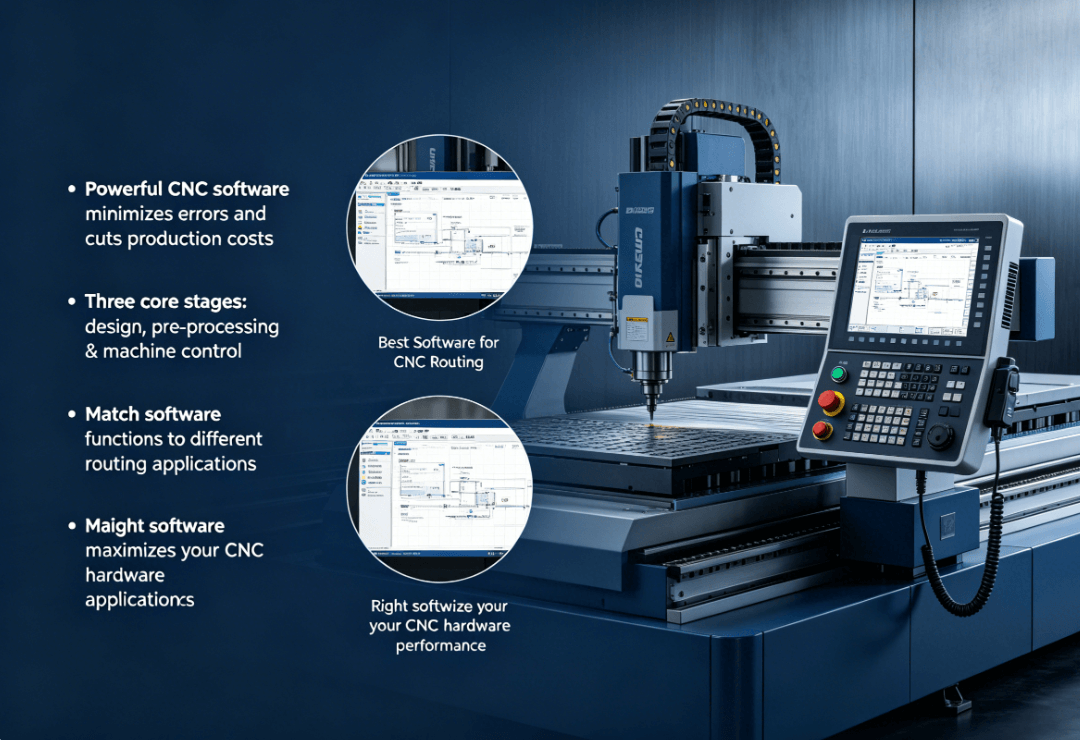
Modern manufacturing relies on high-speed data processing to ensure accuracy. A robust software suite reduces errors during the fabrication process. It also optimizes material usage to lower overall production costs.
The effectiveness of your CNC router machine depends heavily on its software compatibility. Most professionals categorize their digital tools into three distinct functional stages. These include design, manufacturing preparation, and real-time machine control.
Each stage requires specific features to handle different technical challenges. Understanding these distinctions is the first step toward mastering digital fabrication. This guide explores the best software options currently available for diverse routing applications.
High-quality software ensures that your hardware performs at its maximum potential. Without the right digital foundation, even the most expensive machine will underperform. We will now examine how to choose the right software for your specific needs.
Understanding the Primary Types of CNC Router Software
The ecosystem of CNC router software is divided into three main pillars. These are Computer-Aided Design (CAD), Computer-Aided Manufacturing (CAM), and control software. Each plays a unique role in the production pipeline.
CAD software is where the initial geometric design takes shape. It allows users to create precise 2D vectors or 3D models. Without high-quality CAD tools, the machine lacks the necessary data to perform complex tasks.
CAM software functions as the essential bridge between design and execution. It calculates the physical paths the cutting bit will follow. This stage involves selecting tool sizes, spindle speeds, and feed rates for the project.
Is CAD the Creative Foundation for Routing?
Design software provides the visual blueprint for every CNC project. In 2026, advanced CAD tools support both parametric and direct modeling. This flexibility allows designers to modify dimensions without rebuilding the entire project.
Most CNC router software packages now support industry-standard file formats. These include DXF, SVG, and STEP files for seamless data exchange. High-end CAD software also offers stress analysis to predict material behavior.
Standardizing your design workflow improves consistency across different projects. Professionals often prefer CAD tools that offer extensive libraries of pre-made components. These resources save significant time during the initial design phase.
Parametric design is particularly useful for furniture making. If you change the thickness of a wood board, the software adjusts all related joints automatically. This reduces the risk of manual calculation errors during the design phase.
How Does CAM Act as the Critical Bridge?
CAM software translates digital drawings into a language the machine understands. This language is commonly referred to as G-code. The software calculates the most efficient route for the tool to move.
Advanced CAM algorithms focus on reducing "air time" where the tool is not cutting. This optimization can improve workshop productivity by up to 15%. Efficient toolpaths also reduce wear and tear on the machine spindle.
Many CAM programs now include intelligent "Adaptive Clearing" strategies. These paths maintain a constant load on the cutting bit. This technology prevents tool breakage and ensures a smoother surface finish.
By 2026, CAM software has become significantly more intuitive. Modern interfaces use visual wizards to guide users through tool selection. This makes the transition from design to manufacturing much faster for beginners.
Why is Control Software Considered the Brain?
Control software is the final link that drives the physical motors. It interprets G-code in real-time to move the router head along specific axes. This software also manages essential safety features and emergency stop protocols.
Popular controllers like Mach4 provide a customizable user interface for operators. This allows shops to tailor the control environment to their specific needs. High-quality control software ensures that the machine responds instantly to commands.
Modern control systems in 2026 often feature wireless connectivity. This allows operators to monitor the machine's progress from a remote workstation. Remote monitoring improves safety and allows for more flexible workshop management.
Furthermore, control software handles the vital task of "homing" the machine. It establishes the zero-point for each axis to ensure repeatable accuracy. Without precise control software, the mechanical parts of the machine cannot function reliably.
Comparing Top CNC Router Software Tiers for 2026
Choosing the right tool requires comparing features against your specific budget. The following table outlines the differences between popular software categories. This comparison helps you identify which tier matches your current production scale.
| Feature Category | Entry‑Level (e.g., Easel) | Mid‑Range (e.g., VCarve) | Professional (e.g., Fusion 360) |
|---|---|---|---|
| Primary User | Hobbyists / Beginners | Sign Makers / Woodworkers | Engineers / Manufacturers |
| Design Type | Simple 2D & 2.5D | Advanced 2D & Textures | Full 3D & Parametric |
| Simulation | Basic visual path | High‑quality rendering | Full collision detection |
| Multi‑Axis | Not supported | Limited 4th Axis | Full 4‑Axis and 5‑Axis |
| Nesting | Manual only | Automated basic nesting | Advanced AI‑driven nesting |
| Cost Structure | Free or low subscription | One‑time purchase | Annual subscription |
How to Choose the Best CNC Router Software for Beginners?
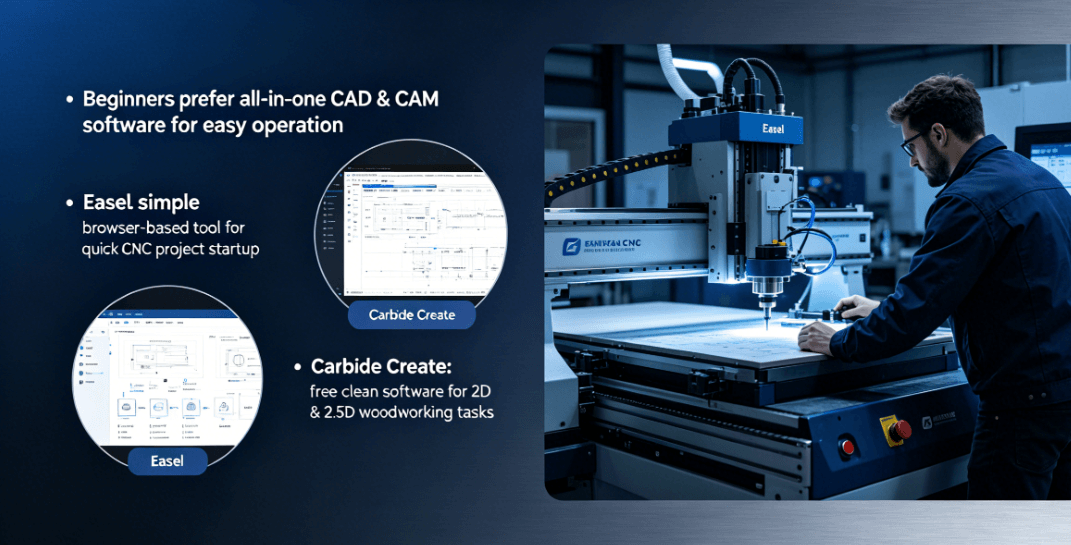
Beginners should prioritize ease of use and integrated features. The best CNC router software for newcomers often combines CAD and CAM. This integration eliminates the need to learn multiple complex interfaces at once.
Easel by Inventables remains a top choice for those starting their CNC journey. It provides a simple, browser-based environment for design and toolpath generation. Users can often complete their first project within an hour of setup.
Carbide Create is another excellent entry-level option for 2026. It offers a clean layout and focuses on essential woodworking tasks. The software is free to use for basic 2D and 2.5D projects.
Is All-in-One Software Better for Learning?
Integrated software reduces the risk of file compatibility errors. Moving files between different programs can sometimes distort geometric data. All-in-one solutions ensure that what you see is what you get.
Beginner-friendly suites often include built-in material and tool libraries. These databases provide recommended settings for common materials like plywood and acrylic. This guidance helps novices avoid common mistakes like incorrect feed rates.
Many beginners find that integrated software has a more supportive community. Platforms like Easel offer thousands of shared projects and tutorials. This social aspect accelerates the learning curve for new hobbyists.
Learning the fundamentals in an integrated environment builds confidence quickly. Once you understand how toolpaths work, you can transition to more complex tools. It is better to start simple and expand your skills gradually.
What are the Limitations of Simple Software?
While easy to use, basic software often lacks advanced 3D capabilities. Most entry-level tools are restricted to 2D carving or basic pocketing. Professionals may find these limitations frustrating as their skills grow.
Simple programs may not support complex multi-axis machining operations. If you plan to carve intricate 3D statues, you will need more robust tools. Advanced software provides better control over surface finish and detail.
Free software often has limited technical support options. Users must rely on community forums rather than dedicated customer service. This can be a drawback for those running a time-sensitive business.
Furthermore, basic software might struggle with very large or complex files. High-density vector designs can cause slow performance in browser-based tools. It is important to match your software power to your project complexity.
Advanced Features of Professional CNC Router Software
Professional users require high-performance CNC router software to remain competitive. These tools offer deep customization and automation for high-volume production. Features like automatic nesting and 3D simulation are essential for modern shops.
Nesting software automatically arranges parts on a sheet of material. The goal is to minimize waste and maximize the number of parts per sheet. Advanced nesting can save thousands of dollars in material costs annually.
Simulation features allow operators to "dry run" the project virtually. This prevents expensive collisions between the tool and the machine's workholding. Accurate simulation is a critical safety requirement for industrial environments.
Why is 4-Axis and 5-Axis Support Crucial?
Complex geometries often require more than three axes of movement. Professional CNC router software supports rotary axes for carving cylindrical objects. This capability is vital for furniture legs and specialized mechanical parts.
5-axis routing allows the tool to approach the workpiece from any angle. This eliminates the need for multiple setups and manual repositioning. It also results in a superior surface finish on curved surfaces.
Software like Mastercam or Fusion 360 excels in these multi-axis environments. These programs provide specialized toolpaths designed for complex mold making. They offer the highest level of control over tool orientation.
In 2026, 5-axis software has become more accessible to smaller shops. New algorithms simplify the programming of complex tilted-head movements. This technology allows small businesses to compete with larger manufacturing firms.
How Does AI Integration Improve Workflow in 2026?
By 2026, artificial intelligence has become a standard feature in high-end software. AI assistants can now suggest the optimal cutting parameters based on material types. This reduces the time spent on manual trial and error.
Predictive maintenance is another benefit of modern AI integration. The software can analyze machine performance and predict when a part might fail. This proactive approach prevents unexpected downtime in a production environment.
AI-driven generative design is also changing how parts are created. Designers input the required constraints, and the software generates the most efficient shape. This leads to lighter and stronger components for aerospace and automotive uses.
AI also assists in real-time error correction during the cutting process. If the software detects excessive vibration, it can automatically adjust the feed rate. This intelligent feedback loop ensures the highest possible part quality.
Determining Which Software Fits Your Hardware Needs
Selecting software is not just about features; it is about compatibility. Your CNC router machine must be able to communicate effectively with the software. This section helps you evaluate the "handshake" between digital and physical tools.
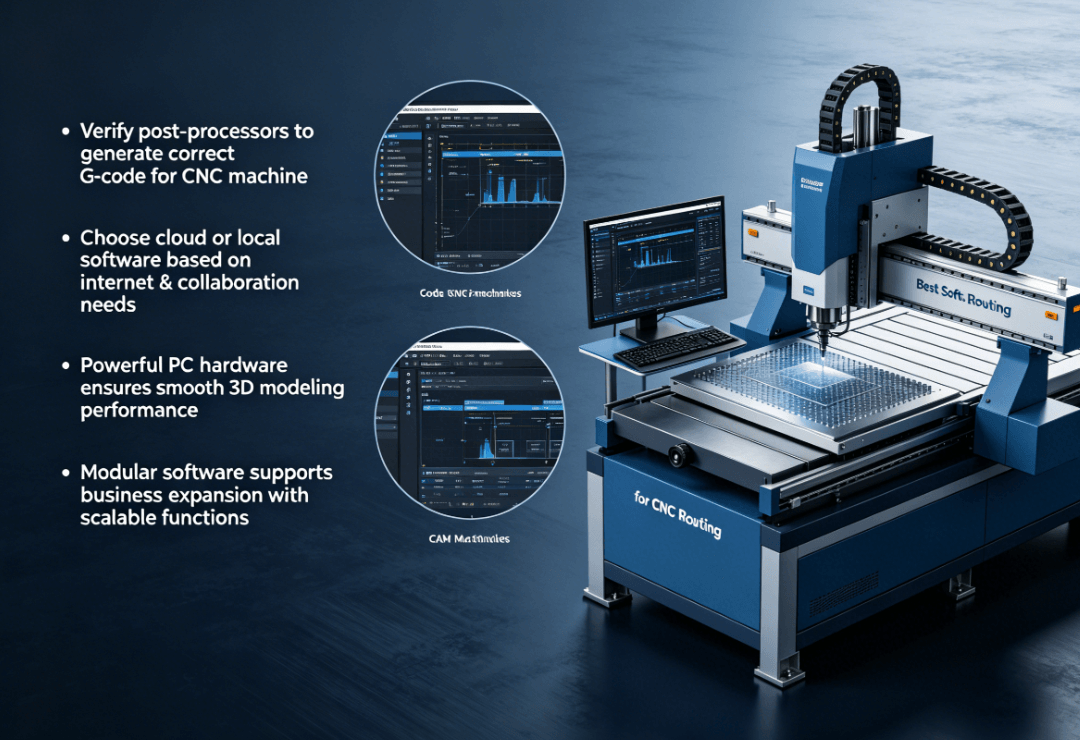
Always check the available post-processors for your chosen CAM software. A post-processor is a specific script that formats G-code for your controller. Without the correct post-processor, your machine may move in unexpected ways.
Evaluate whether you need a cloud-based or local software solution. Cloud software allows for easy collaboration and automatic updates. Local software offers better reliability in areas with poor internet connectivity.
Consider the hardware specifications of your workshop computer. High-end 3D modeling requires a powerful processor and a dedicated graphics card. Ensure your hardware can handle the software's demands without lagging.
The right software should grow with your business needs. Look for modular programs that allow you to add features as your projects evolve. This prevents the need to learn an entirely new system every two years.
Professional support and documentation are vital for minimizing downtime. Choose a software provider that offers direct technical assistance. Quick access to expert help can save a project from a costly delay.
Testing software through free trials is the best way to verify compatibility. Most major brands offer a 30-day trial for their full versions. Use this time to run small test cuts and check the output quality.
Finally, consider the total cost of ownership over several years. This includes subscription fees, mandatory updates, and training costs. A cheaper upfront price may lead to higher costs if the software lacks efficiency.
Summary
The best CNC router software for your workshop depends on your specific production goals. Beginners should focus on integrated CAD/CAM solutions for a smoother learning experience. Professionals require advanced nesting, 3D simulation, and AI integration to maximize efficiency. Always verify that your chosen software includes a compatible post-processor for your machine. Investing in the right digital tools is the most effective way to ensure high-quality results.
PRO TIP
In 2026, always prioritize software that offers robust 3D collision detection. This feature acts as a virtual insurance policy for your machine's spindle and motors. Running a full simulation before every cut will save you from the most common workshop accidents.
Reference Sources
Vectric CNC Software Solutions
National Institute of Standards and Technology Manufacturing Portal
Artsoft Mach4 Machine Control Official Site