In the competitive manufacturing landscape of 2026, the reliability of your CNC router is a direct reflection of your operational efficiency. A CNC router is a high-performance machine that integrates mechanical movement, electronic control, and pneumatic power. When these systems are not synchronized through a rigorous maintenance schedule, the machine’s precision decays, leading to increased material waste and tool breakage.
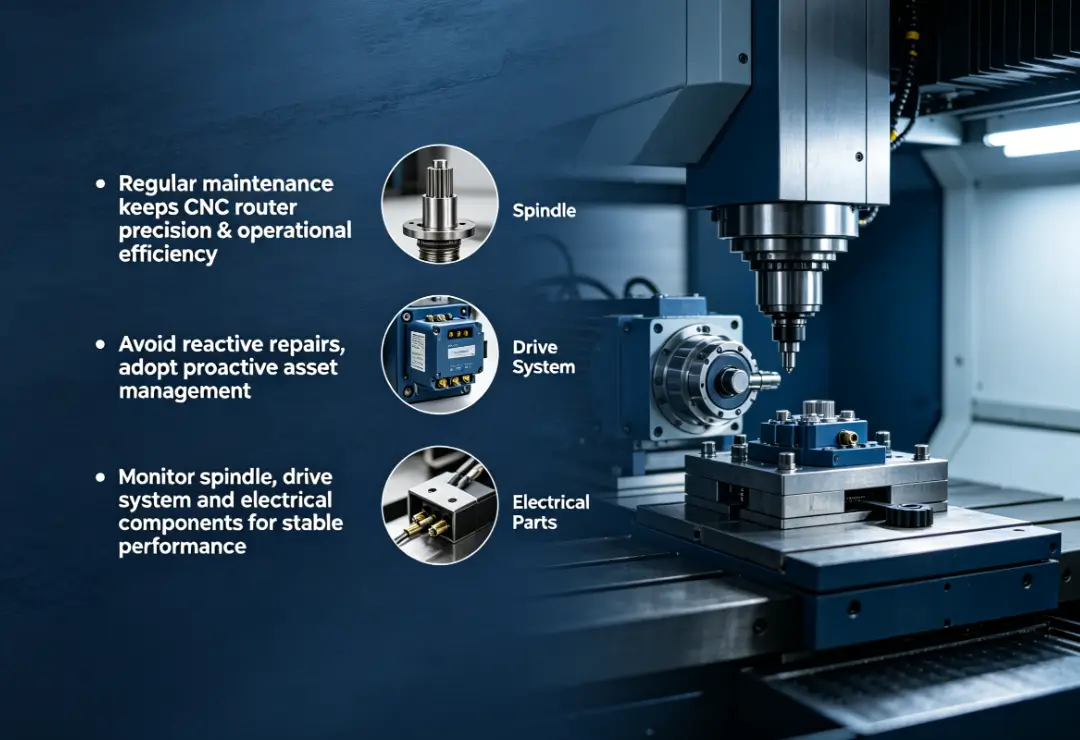
The goal of a professional maintenance program is to move from "reactive" repairs to "proactive" asset management. By understanding the mechanical stresses placed on the spindle, the friction points in the drive system, and the sensitivity of the electrical components, operators can ensure that every cut meets the required industrial tolerances. This guide outlines the essential protocols required to keep your CNC router running at peak performance.
Why Is Preventative CNC Router Maintenance Critical for Your ROI?
The Return on Investment (ROI) for any CNC machine is calculated by its uptime and the quality of its output. Preventative maintenance is the only way to safeguard these metrics. In 2026, as manufacturing shifts toward more complex materials and tighter lead times, a machine failure can derail an entire production schedule. Routine checks allow you to identify "micro-wear"—small issues like a slightly loose drive belt or a contaminated bearing—before they escalate into catastrophic failures.
Furthermore, a well-maintained machine retains its resale value and reduces long-term energy consumption. A spindle that is struggling against friction or an improperly lubricated ball screw requires more amperage to operate, increasing your utility costs. Consistent maintenance ensures that your machine operates within its optimized engineering parameters, delivering high-speed performance without sacrificing accuracy.
How Should You Manage Spindle Health and Thermal Stability?
The spindle is the most vital component of a CNC router, often operating at speeds up to 24,000 RPM. Heat is the primary enemy of spindle longevity. In 2026, most industrial spindles utilize either air-cooling or liquid-cooling systems. If you are using a liquid-cooled spindle, you must monitor the coolant quality monthly. Check for algae growth or mineral deposits that can clog the internal cooling jacket. Always use a manufacturer-approved rust inhibitor to prevent internal corrosion.
For air-cooled spindles, the maintenance focus shifts to airflow. Dust and debris can quickly accumulate on the cooling fans and the intake manifold. If the airflow is restricted, the internal copper windings will overheat, causing the insulation to degrade and eventually leading to a motor short-circuit. It is a best practice to use low-pressure compressed air to clean the spindle exterior daily, ensuring that the cooling system remains unobstructed.
What Are the Best Practices for Collet and Tool Holder Care?
A common mistake in CNC maintenance is neglecting the tool interface. The collet and the tool holder are responsible for maintaining "runout" within acceptable limits. Runout is the measure of how much a tool wobbles as it spins. Even 0.01mm of runout can significantly reduce the life of your cutting bits and cause "chatter" marks on the finished part.
In 2026, professional standards dictate that collets should be treated as high-precision consumables. They should be cleaned with a dedicated cleaning solution or denatured alcohol every time a tool is swapped. More importantly, collets have a lifespan; the spring steel loses its clamping force after approximately 500 hours of use. Replacing your collets twice a year is a small investment that prevents expensive tool breakage and ensures consistent edge quality.
How Can You Optimize Motion System Calibration and Lubrication?
The motion system of a CNC router—comprising the linear guides, ball screws, and rack-and-pinion drives—is where the "precision" of the machine is realized. Friction is the variable that must be controlled. Without proper lubrication, the metal surfaces of the bearing blocks will pit and score the rails, leading to permanent accuracy loss.
| Maintenance Task | Target Component | Frequency | Technical Note |
|---|---|---|---|
| Linear Rail Greasing | X, Y, Z Axis Blocks | Weekly | Use Lithium‑based NLGI 2 grease |
| Rack and Pinion Cleaning | X and Y Drives | Daily | Remove debris before reapplying lubricant |
| Ball Screw Inspection | Z‑axis Drive | Monthly | Check for backlash and axial play |
| Drive Belt Tensioning | Servo/Motor Couplings | Quarterly | Use a tension meter to verify factory specs |
How to Address Backlash and Mechanical Drift?
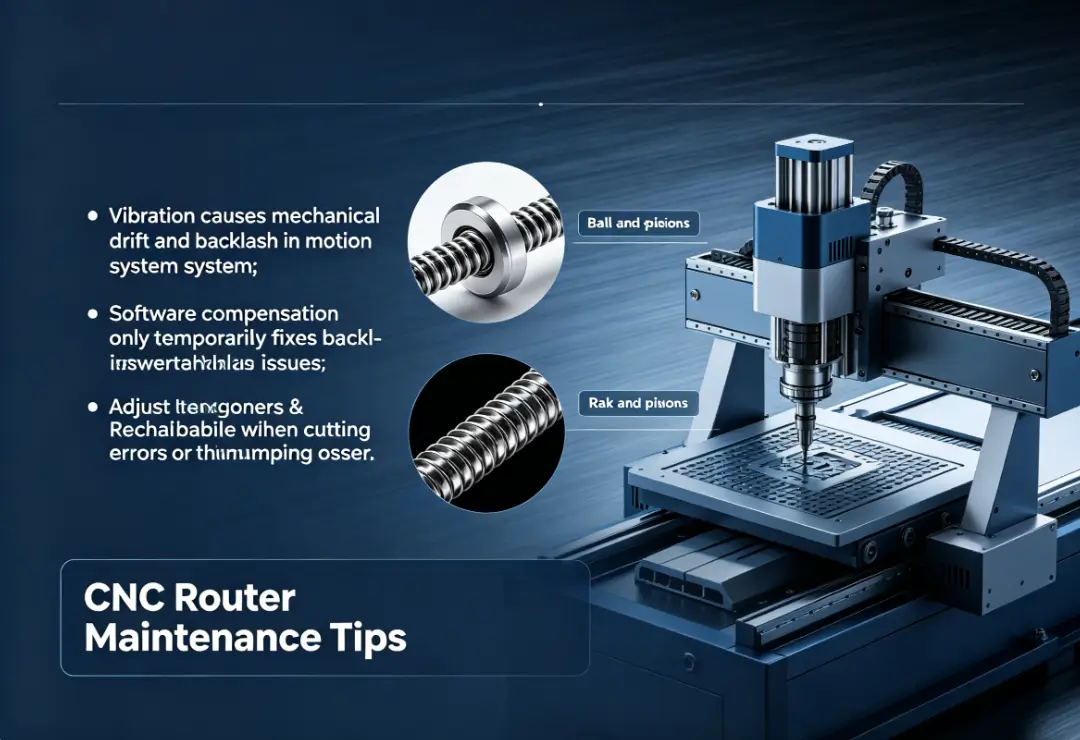
As a CNC router operates, the constant vibration and directional changes can cause mechanical drift. Backlash occurs when there is a small gap or "play" between the driving component (the pinion or ball screw) and the driven component. In 2026, high-end CNC routers often have software-based backlash compensation, but this is a temporary fix for a mechanical problem.
To properly address backlash, you must inspect the mechanical tensioners. In a rack-and-pinion system, ensure the pinion is seated firmly into the rack. Over time, the tensioning springs may weaken and require adjustment. If you notice that circles are being cut as ovals, or if the machine "thumps" during a direction change, it is a clear indicator that the motion system requires mechanical recalibration.
Why Is Lubricant Selection Critical for Industrial CNC Systems?
Not all lubricants are created equal. Using a generic WD-40 or a silicone spray can actually damage your CNC router. These light oils evaporate quickly and can attract dust, turning into an abrasive paste that grinds down your bearing surfaces. In 2026, the industry standard is to use high-quality ISO VG 68 or 100 oils for mist systems, and NLGI Grade 2 lithium grease for bearing blocks.
Always verify the compatibility of the grease with the seals on your linear blocks. Some synthetic greases can cause rubber seals to swell or crack, allowing dust to enter the bearing race. By using the OEM-recommended lubricant, you ensure that the chemical composition of the grease protects the metal without compromising the integrity of the machine's seals.
How Do You Maintain Electrical Integrity and Vacuum Systems?
The "brain" of the CNC router resides in the electrical cabinet. This environment must be kept cool, dry, and clean. Electronic components like VFDs (Variable Frequency Drives) and stepper drivers generate significant heat during operation. If the cabinet is filled with dust, that dust acts as an insulator, causing the electronics to run hot and eventually fail.
How Should You Clean the Electrical Cabinet Safely?
The electrical cabinet should be opened and inspected at least once a month. Before any cleaning, the main power must be disconnected. Use a specialized electronics vacuum rather than compressed air to remove dust. Compressed air can force conductive metallic dust into the pins of the control board, causing a short circuit.
While the power is off, it is also essential to check the tightness of the terminal connections. The constant vibrations of a CNC router can loosen wire nuts and screw terminals over time. A loose connection can cause an intermittent "voltage drop," which results in erratic machine behavior or "lost steps" in the middle of a cut.
What Is the Key to Vacuum Table Efficiency?
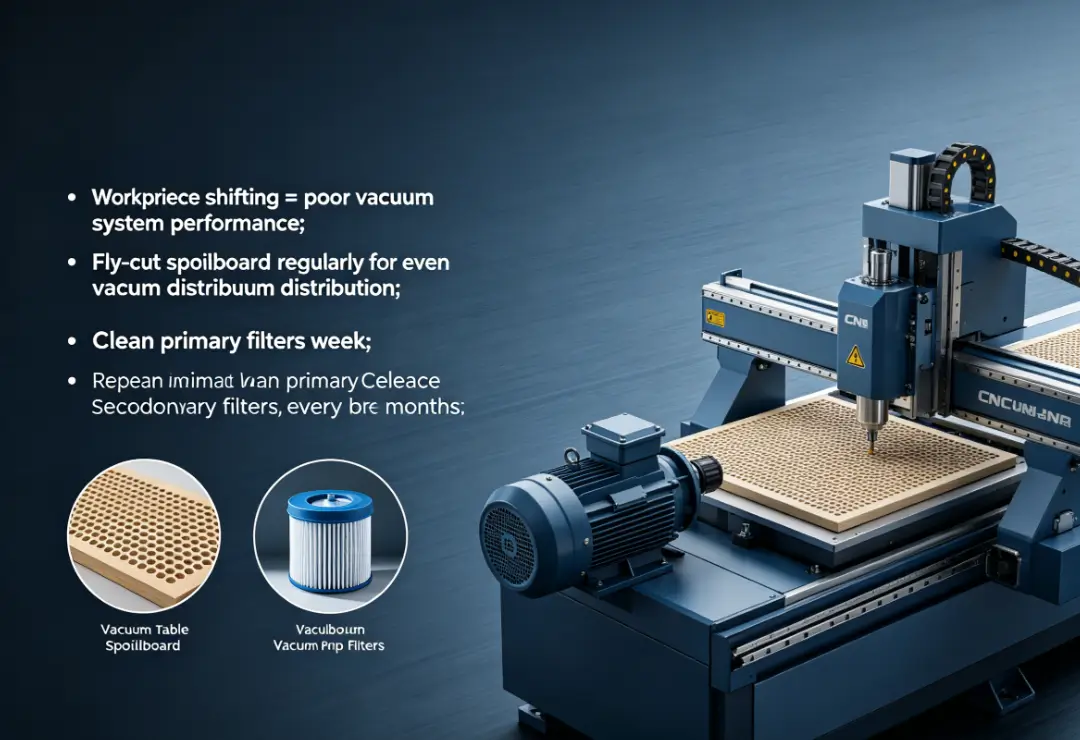
If your parts are moving or vibrating during a cut, your vacuum system is likely the cause. Vacuum table maintenance starts with the spoilboard. As you cut into the MDF spoilboard, it becomes scarred and loses its ability to distribute vacuum pressure evenly. Fly-cutting the spoilboard every few days (depending on volume) is necessary to ensure a flat, porous surface.
The vacuum pump itself also requires attention. Whether you use a rotary vane or a regenerative blower, the filters are the most common point of failure. A clogged filter restricts the pump's ability to create a vacuum, forcing it to run at higher temperatures. Clean the primary filters weekly and replace the secondary filters every six months to ensure that your workholding remains at maximum strength.
Summary
CNC router maintenance in 2026 is an essential discipline for any shop that values precision and reliability. By focusing on the thermal management of the spindle, the lubrication of the motion system, and the cleanliness of the electronics, you can effectively eliminate the vast majority of downtime causes. A machine that is cared for daily will always outperform one that is only serviced when it breaks. Implementing these tips will not only extend the life of your equipment but also improve the quality of every part that leaves your table. Consistency in maintenance leads to consistency in manufacturing.
Reference Sources
NEMA Standards - Industrial Control and Systems: General Requirements.
OSHA Woodworking Machinery Maintenance Guidelines.
SGS Industrial Manufacturing Services - Equipment Maintenance and Technical Inspection.